How to Embed a Poll on Any Website the Right Way
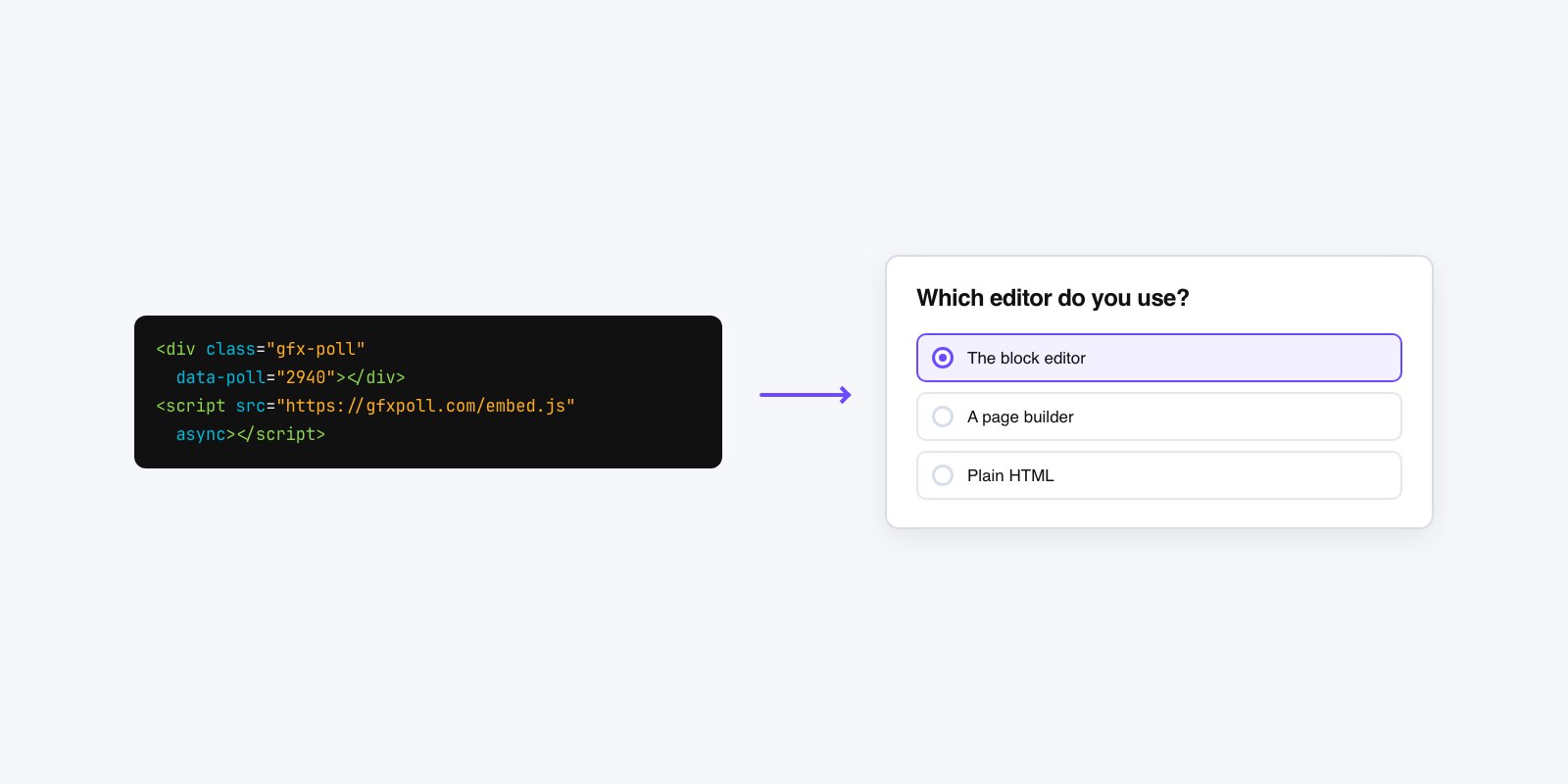
The embed code your poll tool hands you looks like a small wall of gibberish, and that alone scares people off. They open the snippet, see angle brackets and a URL, and start trying to edit it like it’s fragile HTML they have to understand. That’s exactly how a clean embed turns into a broken one. The snippet is a delivery instruction, not something you rewrite. Copy it whole, drop it in the right kind of box, and it works on almost any site. The trouble starts when it goes in the wrong box.
What the snippet actually is
Any poll tool with a share option gives you an embed snippet somewhere in its “Share” or “Embed” step. On GFX Poll Studio you build the poll, then copy the code from the embed panel; the same pattern holds on any other builder. What you’re copying is a short block of poll embed code that tells a browser, “go fetch this poll from where it lives and show it here.” The poll itself stays hosted on the tool’s servers. Your page just opens a window to the poll widget hosted elsewhere. That’s the whole idea, and it’s why you never have to host anything, update anything, or touch a database. Change the poll later and every page it sits on updates on its own.
iframe or script, in plain terms
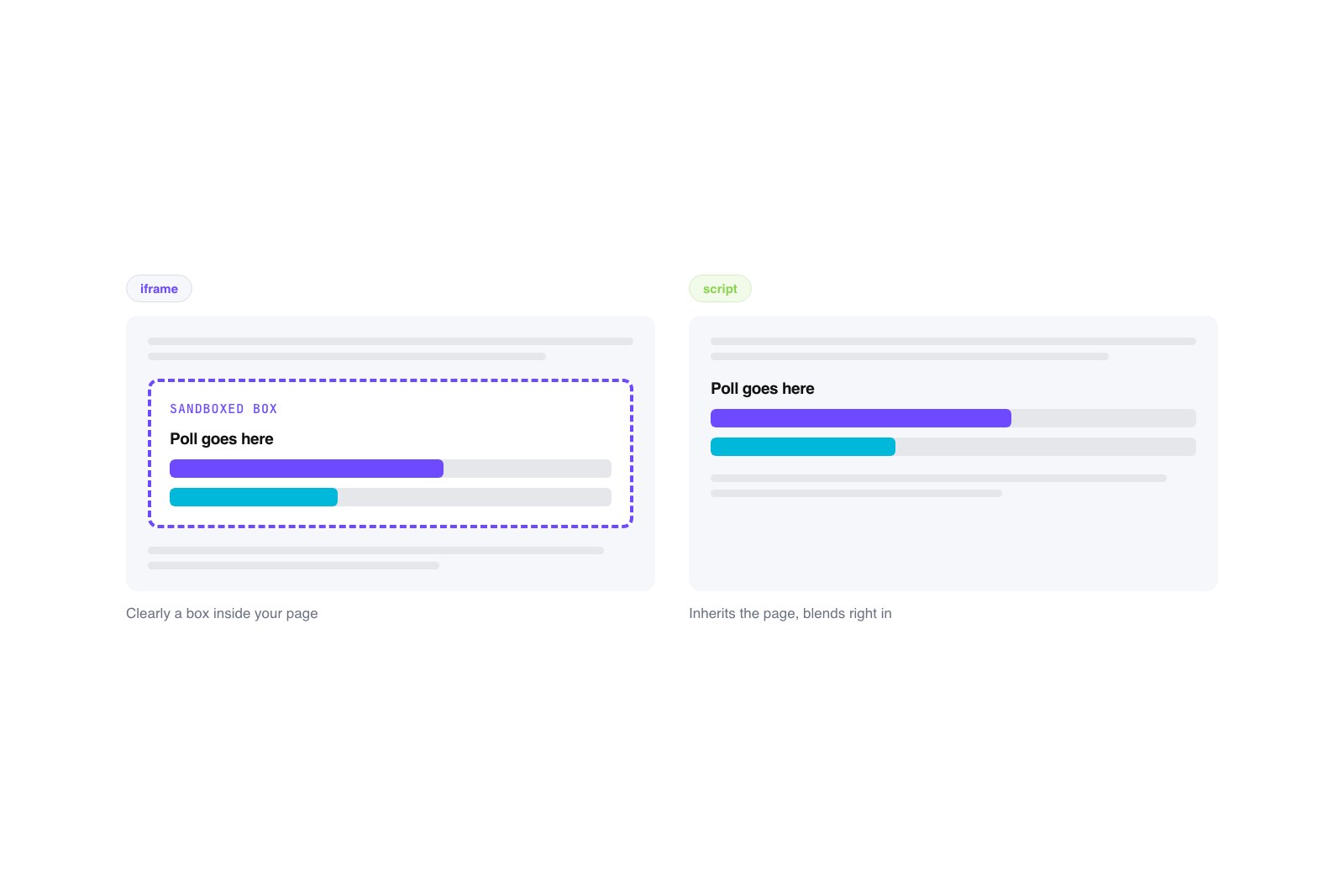
Two flavors of snippet show up. An iframe is a framed box: it loads the poll inside a sealed rectangle on your page, fully separate from your own styling. It’s the simplest and the most predictable, which is why most tools default to it. A script embed instead drops a small piece of JavaScript that builds the poll into your page directly. A script version can look more native and resize itself more gracefully, but it needs JavaScript to run, and some locked-down platforms strip scripts out for security. If a tool offers both, an iframe poll is the safer first try. Reach for the script version only when you want tighter visual blending and you know your platform allows custom scripts.
Where the snippet goes on each platform
Picking the right page and placement for a poll is its own topic, handled in the guide to where to add polls on your website. Once you know where it goes, the mechanical rule is the same everywhere: the snippet has to land in a spot that accepts real code, not one that treats it as text to display.
On a raw HTML site that’s easy. Open the page file, paste the snippet where you want the poll to appear, save, upload, done. Hosted builders hide the code box, so you go looking for it. Squarespace calls it a Code Block; add one where you want the poll and paste inside. Wix has an Embed / HTML element you drag onto the page, then paste into its settings panel. Ghost uses an HTML card: type a slash in the editor, choose HTML, paste. WordPress has its own block and shortcode options, walked through in how to add a poll to a WordPress site, but the principle carries. Page builders like Elementor or Webflow all ship an “Embed” or “Custom Code” widget for exactly this. The one move that fails is pasting into a normal text block, which brings us to why embeds break.
Make it responsive so phones don’t clip it
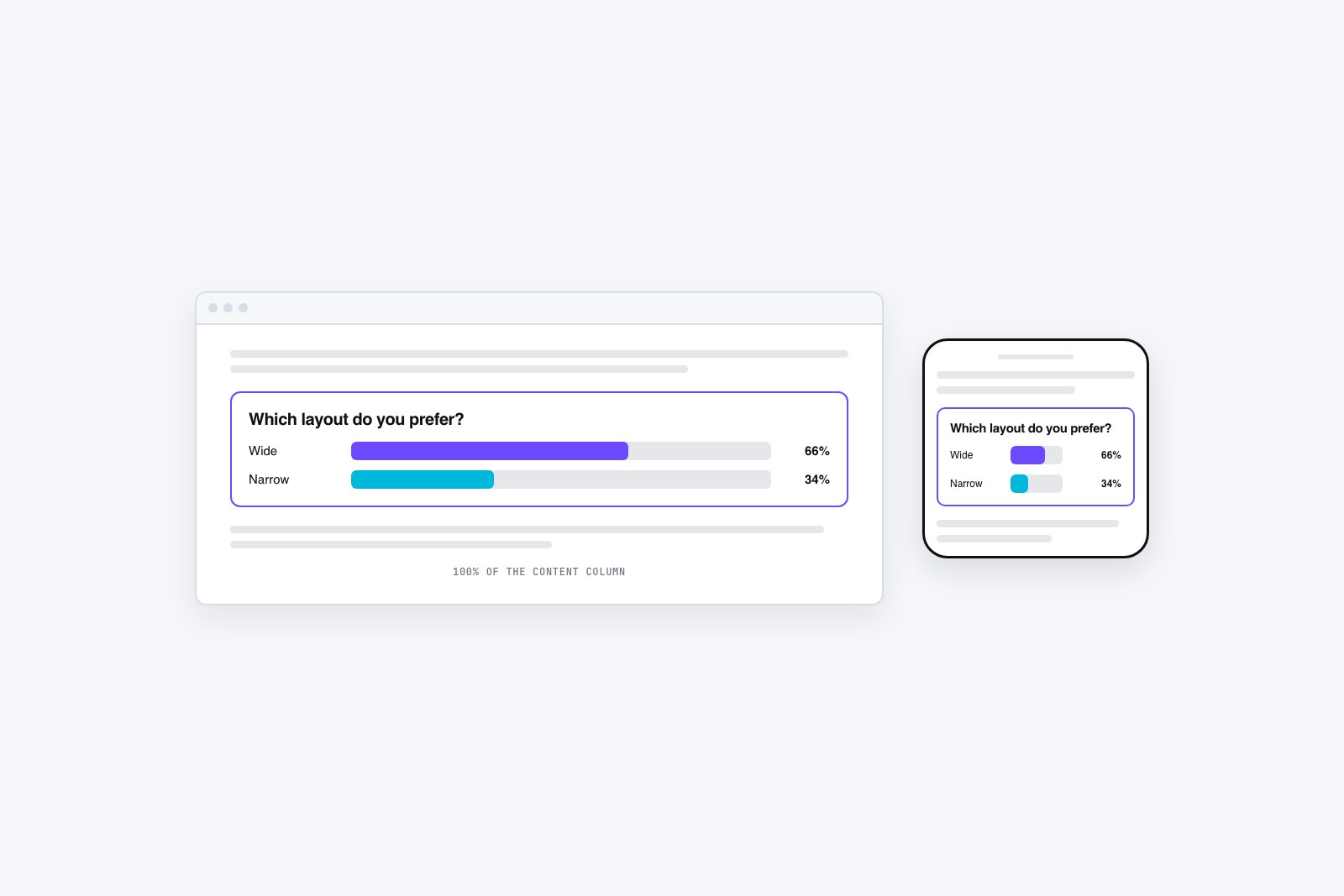
The most common embed complaint is a poll that looks fine on a laptop and gets cut off on a phone. It almost always traces back to a fixed pixel height baked into the snippet, something like a hard 600 pixels. On a narrow screen the poll’s content grows taller, but the frame doesn’t, so the bottom options and the vote button vanish under the edge of the box. The fix is to let the embed stretch. Set the width to 100 percent instead of a fixed pixel number so it fills the column on any screen, and avoid pinning the height; a good poll embed reports its own height and grows to fit. If your snippet arrived with a rigid width and height, widening the width to 100% handles most of it, and many tools now hand you a responsive snippet by default. Test it by loading the live page on your actual phone, not by shrinking the browser window, which lies.
When an embed breaks, and why
Three failures cause most broken embeds. The first is the visual editor that quietly strips code. Paste a snippet into a rich-text or “visual” editing mode and the platform often deletes the tags it doesn’t recognize, leaving you a blank gap or a line of raw text. The fix is to switch to the HTML, code, or embed view before pasting, every time.
The second is a security block. Some sites run a content policy that refuses to load outside content, or a plugin that blocks third-party frames and scripts, and the poll silently doesn’t appear. If a snippet works on a plain test page but not on your live site, suspect a security plugin or a strict content policy and check its allowed-sources settings. The third is the http/https mismatch. If your site loads over https and the embed tries to pull the poll over plain http, the browser blocks it as mixed content and shows nothing. Modern tools serve everything over https, so this one mostly bites older snippets; the fix is making sure the URL in the snippet starts with https. Work through those three and a stubborn embed almost always comes back. When it does, it just works, on every page you drop it, which is the quiet appeal of embedding a poll on a website in the first place.