How to Run an Email Newsletter Poll
The poll you embedded on your website will not run inside an email, and it is not your fault. Almost every inbox strips live JavaScript before the message reaches a reader, so the interactive widget that works fine on your blog shows up as a blank box, a broken frame, or nothing at all. Email is the one channel where you cannot just paste your embed code and move on. The good news is that a poll in email does not need JavaScript to work. It needs links.
Why your normal poll embed breaks in the inbox
Gmail, Outlook, Apple Mail, and the rest all render a stripped-down version of HTML. Scripts get removed for security, forms behave unpredictably, and even some CSS gets rewritten. That kills the live poll widget, the one that tallies votes in place and animates the result bars. Chasing an interactive in-email poll across a dozen email clients is a fight you lose. So you fake the interaction with plain links, which every client renders fine, and you let the actual voting and counting happen on a page you host.
The one-click link-to-vote row
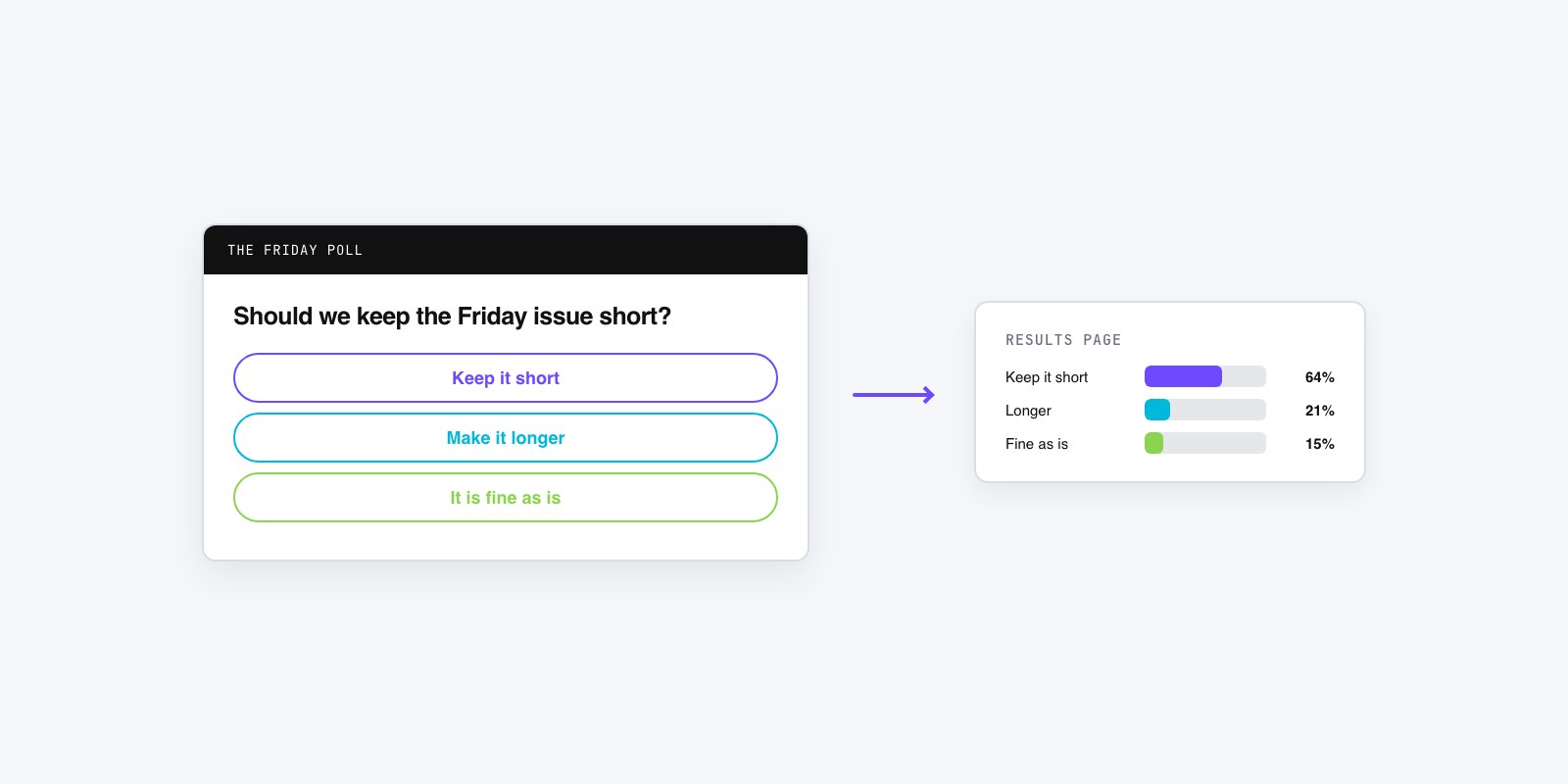
This is the workhorse method, and it is simpler than it sounds. You write the question in the email, then list each answer as its own link. When a reader taps “Pepperoni,” that link carries their vote to a results page where the count updates and they see how everyone else answered. No app, no login, one tap. That one click poll email pattern is the whole trick.
Say a recipe newsletter asks “Which should I develop next: sheet-pan dinners, 20-minute pastas, or freezer-friendly soups?” Three lines, three links, done. Each option points at a URL that records the choice and lands the reader on the live tally. Because the vote and the result live on your hosted page, you sidestep every inbox limitation. You can build that landing poll and grab the per-option links in the GFX Poll Studio creator, then drop them straight into your email.
The same row works for a SaaS changelog asking “What should we ship next?” or a nonprofit update asking supporters to pick this quarter’s focus. One thing to decide on the hosted side is how you treat a repeat tap. A reader who forwards the email or opens it twice can vote twice, so let the results page count each browser or session once. You are taking a temperature, not running an election, but a tally people can stuff means nothing when you report it later.
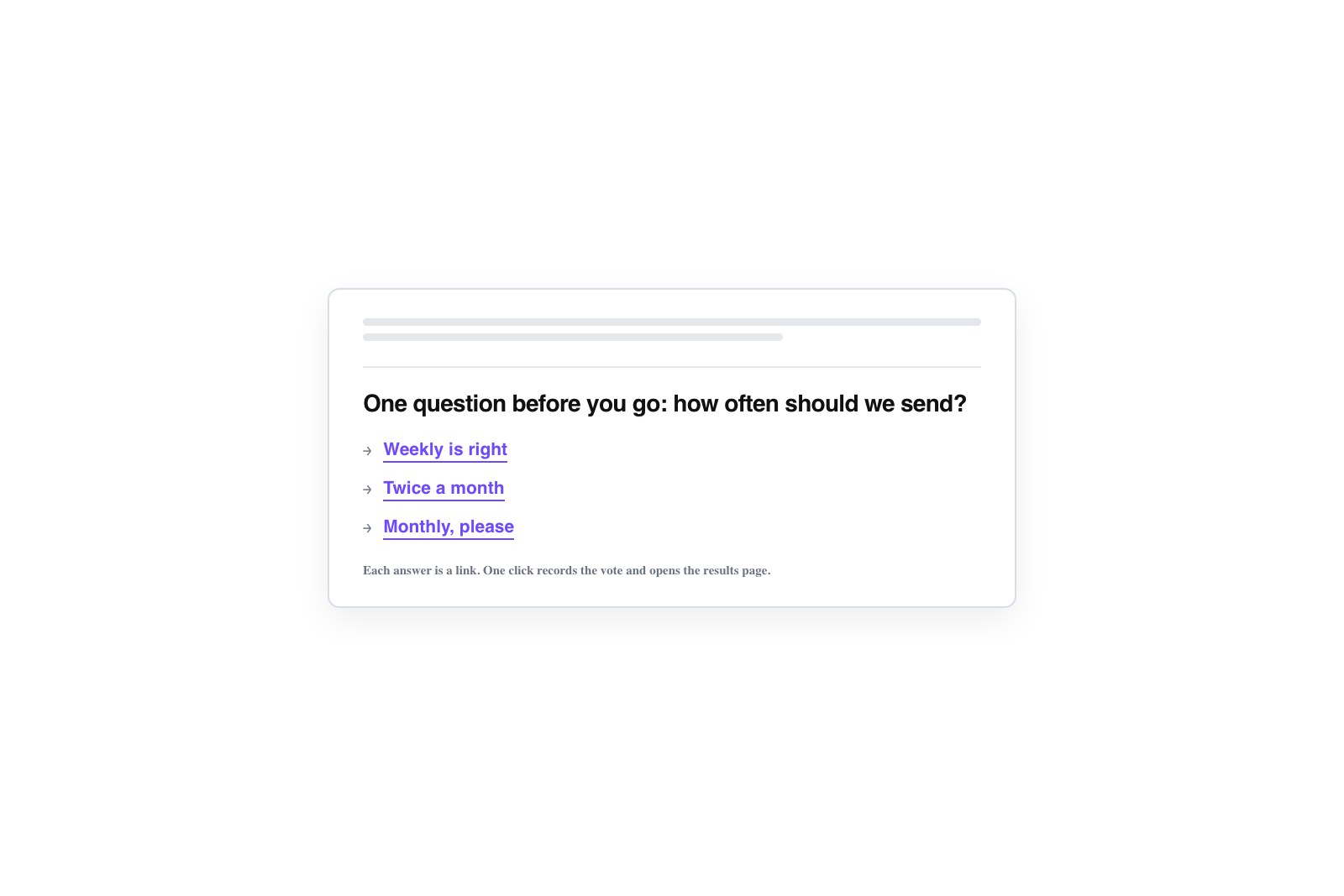
Image buttons and the single-question link
Two variations on the same idea. If plain text links feel thin, turn each answer into an image button, a small graphic that links out the same way. A row of three colored buttons labeled with the options reads as tappable and lifts click-through, especially on mobile where a fat button beats a line of text. Just add real alt text to each, because plenty of readers block images and will only see the words.
The other variation is the lightest of all: one line, one link, no options in the email at all. “We’re picking next month’s book. Cast your vote.” The link opens your hosted poll where the full question and choices live. This works well when the answer set is long or visual, or when you would rather keep the email short. You lose the one-tap speed of inline options, but you gain room and keep the message clean.
One question, and a subject line people actually tap
Keep it to a single question. An email is not a survey form. A newsletter poll works because it asks one thing; the moment it turns into a full email survey with five questions stacked up, the response rate on the one you care about collapses. Pick the question that matters this issue and ask only that.
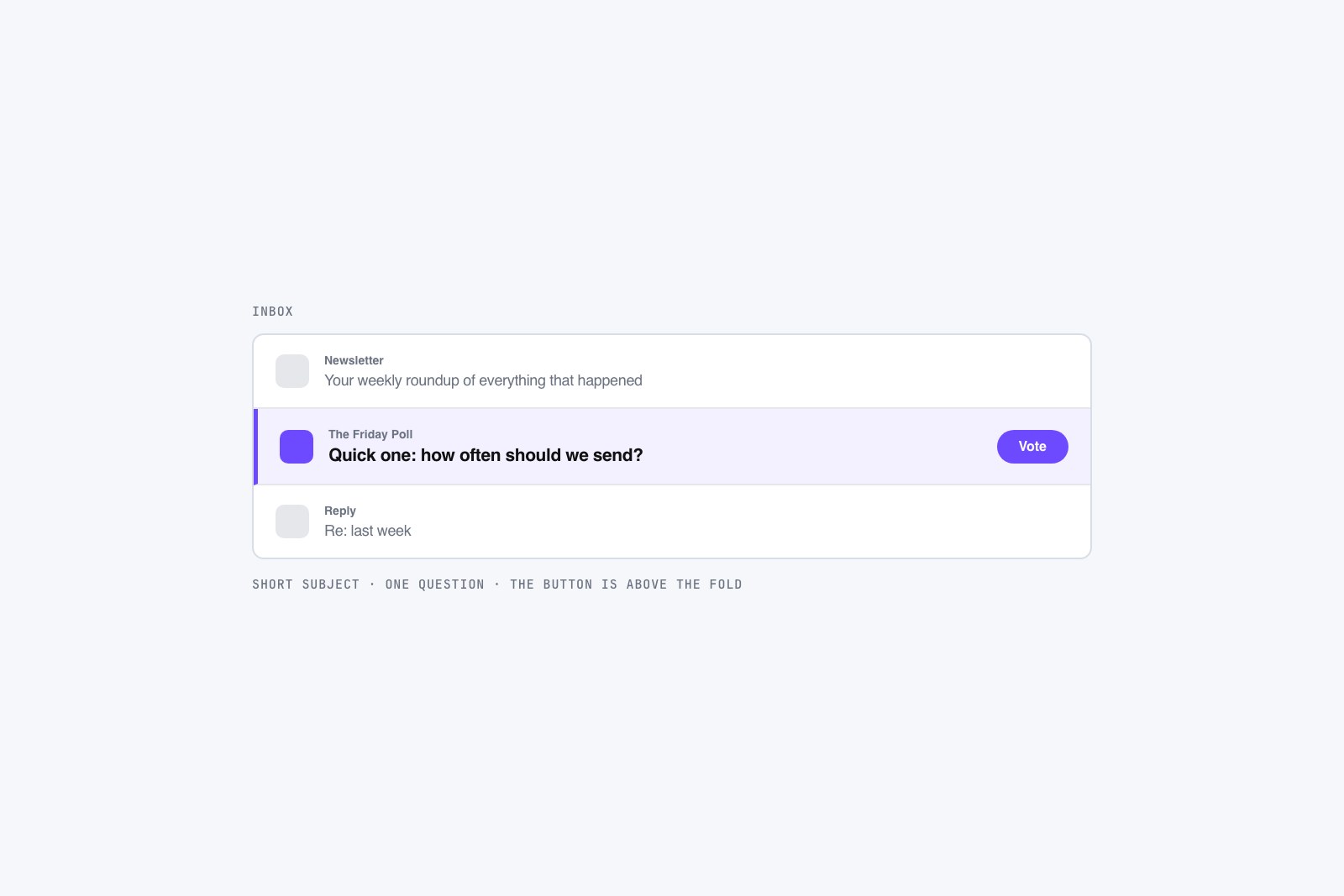
The subject line does most of the heavy lifting. “Quick question” or “Help me pick” beats “August Newsletter” because it promises a small, doable ask. Put the poll near the top of the email, not buried under three stories, and make the call to action concrete: “Tap your pick,” “Vote in one click,” “Which one wins?” A vague “let us know your thoughts” gets ignored. Tell people exactly what tapping does and how little it costs them.
Close the loop in the next issue
Here is the part most newsletters skip, and it is the part that trains people to keep voting. When the next issue goes out, show the results. “Last week you voted: 20-minute pastas won with 58%.” A reader who sees their vote counted, and sees where the crowd landed, is far more likely to tap the next poll you run. Ignoring the outcome teaches the opposite lesson, that voting goes into a void.
Sharing results also hands you a second piece of content for free, and it travels across channels. The same tally makes an easy follow-up, which is why a newsletter poll pairs naturally with the rest of your polling. If you want the wider picture, the guide to where to add polls on your website covers each channel, and a few social media poll ideas give you somewhere to reshare the result. Run the poll, report the outcome, and the next one gets easier every time.